Free & Open Source
Screenshot. Snip.
Understand.
Capture any part of your screen in one keystroke, then let AI analyze, explain, or summarize it — right beside the image.
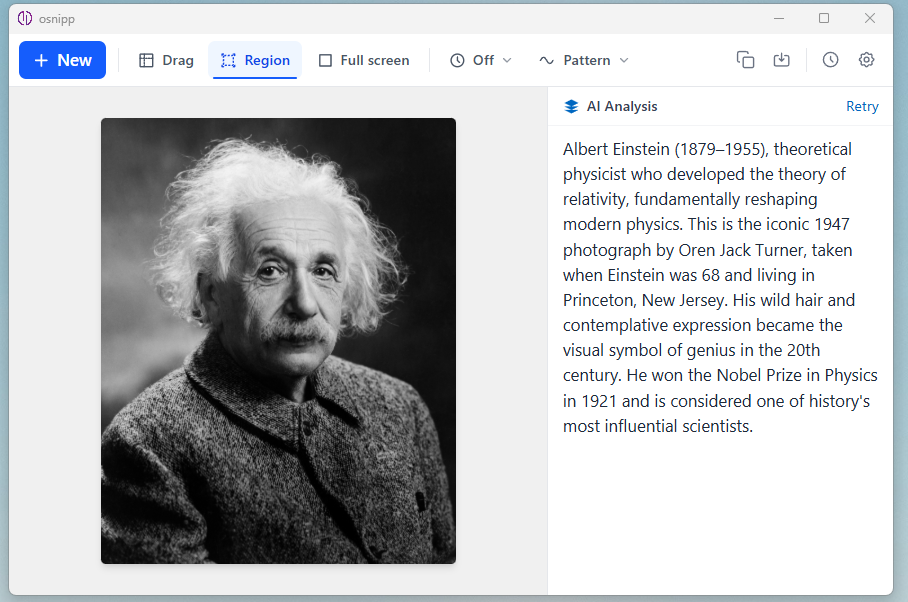
Capture any part of your screen in one keystroke, then let AI analyze, explain, or summarize it — right beside the image.
Built for speed, precision, and insight — from a quick snip to deep AI analysis.
Drag to select any region, lock in a Fixed Region to re-snip the same area instantly, or grab the entire screen with one keystroke.
Connect Claude, GPT-4o, or Gemini — or run fully offline with Ollama. AI response streams directly beside your screenshot in real time.
Set a timed interval or enable mouse-shake detection to trigger captures automatically — perfect for monitoring live dashboards.
Every snip is saved locally. Browse and revisit past captures, re-run AI analysis, or compare results without retaking a screenshot.
Optionally copy every capture to your clipboard the moment it's taken — paste straight into Slack, Notion, email, or any app.
API keys are stored using OS-level encryption (Keychain on macOS, Credential Manager on Windows). Nothing leaves your machine unless you choose.
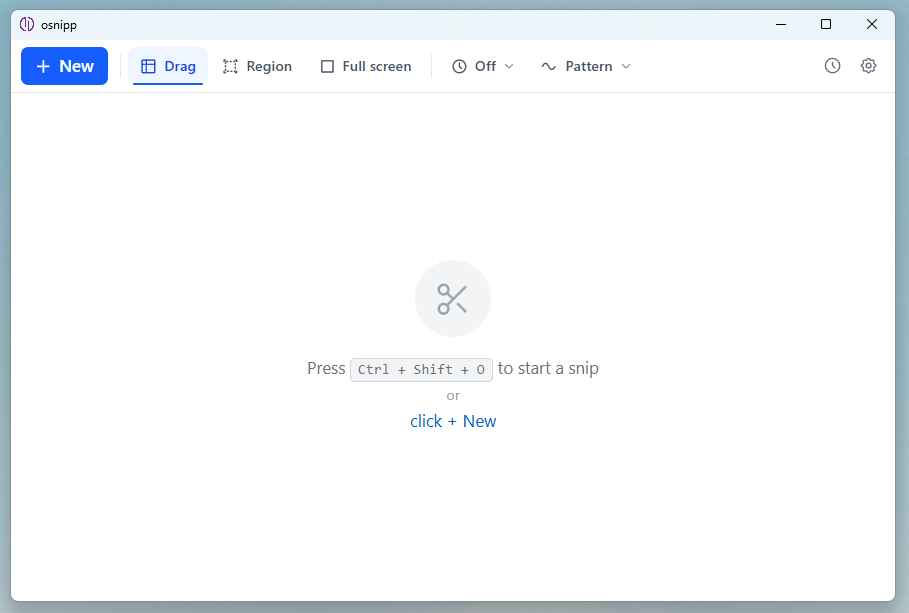
The main window — clean and ready for your first snip.
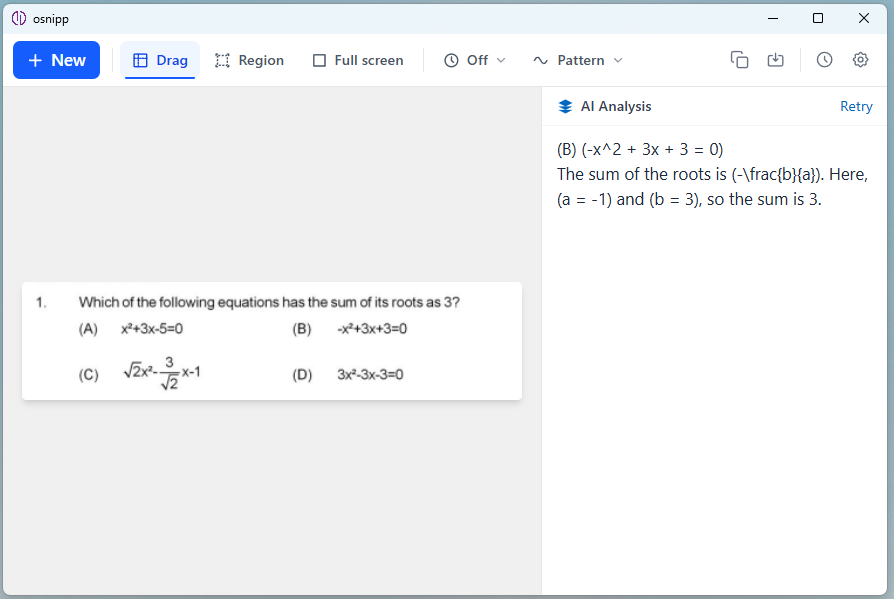
AI analysis streaming beside a captured math question.
Capture any image — AI recognizes and describes what's in it.
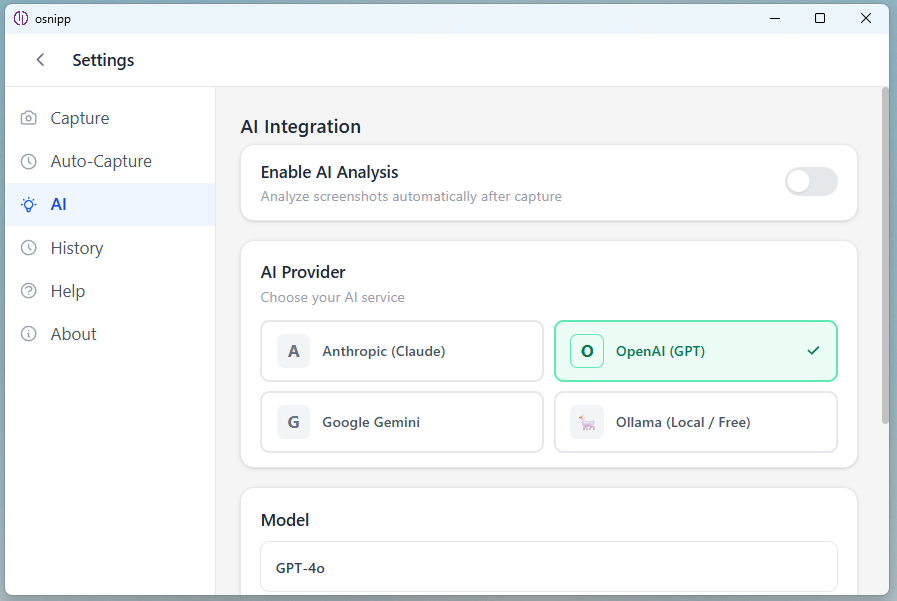
Choose from Claude, GPT-4o, Gemini, or local Ollama models.
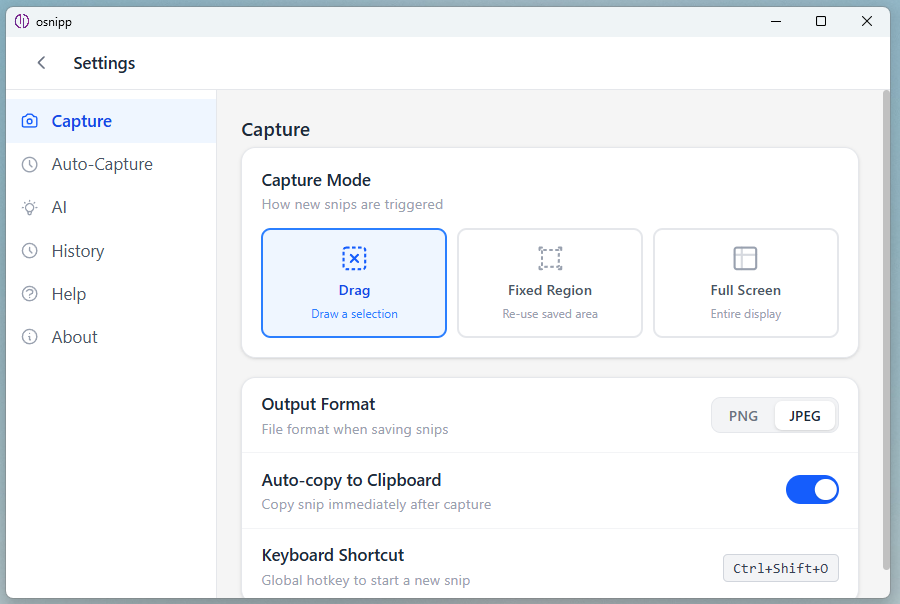
Drag, Fixed Region, or Full Screen — your shortcut, your format.
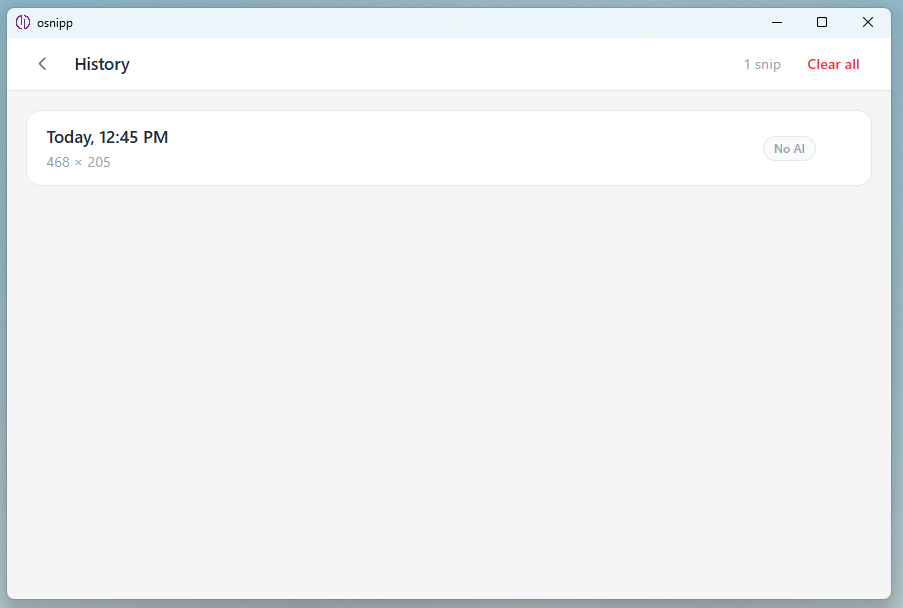
All past snips saved locally — browse and re-analyze any time.
Hit Ctrl + Shift + O from anywhere on your desktop — or click + New in the toolbar — to start a new snip.
Drag to draw a selection box over any part of your screen. Release to capture — the image loads instantly in the main window.
With AI enabled, the response streams in real time beside your screenshot. Explain, summarize, translate — just ask.
Free to download. Works on Windows 10/11 and macOS 12 Monterey and above.